Test smarter. Run regressions.
20 articles
Browse cloud Mac testing guides by publication month. Verify the environment, split test cases, then combine the reports.
If Siri cannot find or run an action in your course app, start by confirming that your device and preview setup meet Apple's current requirements. Then separate Siri integration problems from entity discovery and request-matching issues, and use a supported device-side test before deciding whether to change code or your Mac setup.
This guide helps developers and CI operators diagnose a missing or unstable Antigravity CLI Remote Control instance. Compare interactive sessions with the background daemon, check CLI authentication and logs, and test macOS logout behavior without assuming the service stays online.

If research software fails on macOS 27, do not assume Rosetta has been removed: check the translation layer, app build, plugins, and project dependencies in order. This guide helps you identify the failure point, validate a repair, and decide whether you need a separate Mac environment for reproduction.
If the client needs a feature walkthrough or a clear reproduction of a simulator issue, a remote Mac can handle the recording—but only after you verify the save location, file retrieval method, and delivery requirements. This guide separates simulator demos from real-device evidence and App Store preview assets, then gives you a practical handoff check.
Enterprise teams should inventory each app’s SDK and deployment target, then validate a representative project in an isolated Mac CI run before changing production nodes. This guide follows the migration timeline from policy review and toolchain checks through upload verification, rollout, and capacity decisions.

If you mainly need repeatable checks across browsers, start with cloud browser testing; use a remote Mac when your workflow depends on a full macOS desktop or specific local tools. This guide compares coverage, Safari interaction, staging access, and team handoffs, then gives you a checklist for deciding whether to use one setup or both.
If your course app started crashing after an iOS update, the timing alone does not prove the update caused it. This guide helps you record a repeatable failure, compare device and simulator behavior, read the useful parts of a crash report, and decide whether you need Mac access for the next diagnostic step.

If you need to take a Figma Motion animation into Final Cut Pro, export the animation as an MP4 and import that video into your editing project. This guide follows the handoff from source file to final review, explains what remains editable, and helps Windows users decide whether they need a Mac environment for the editing stage.
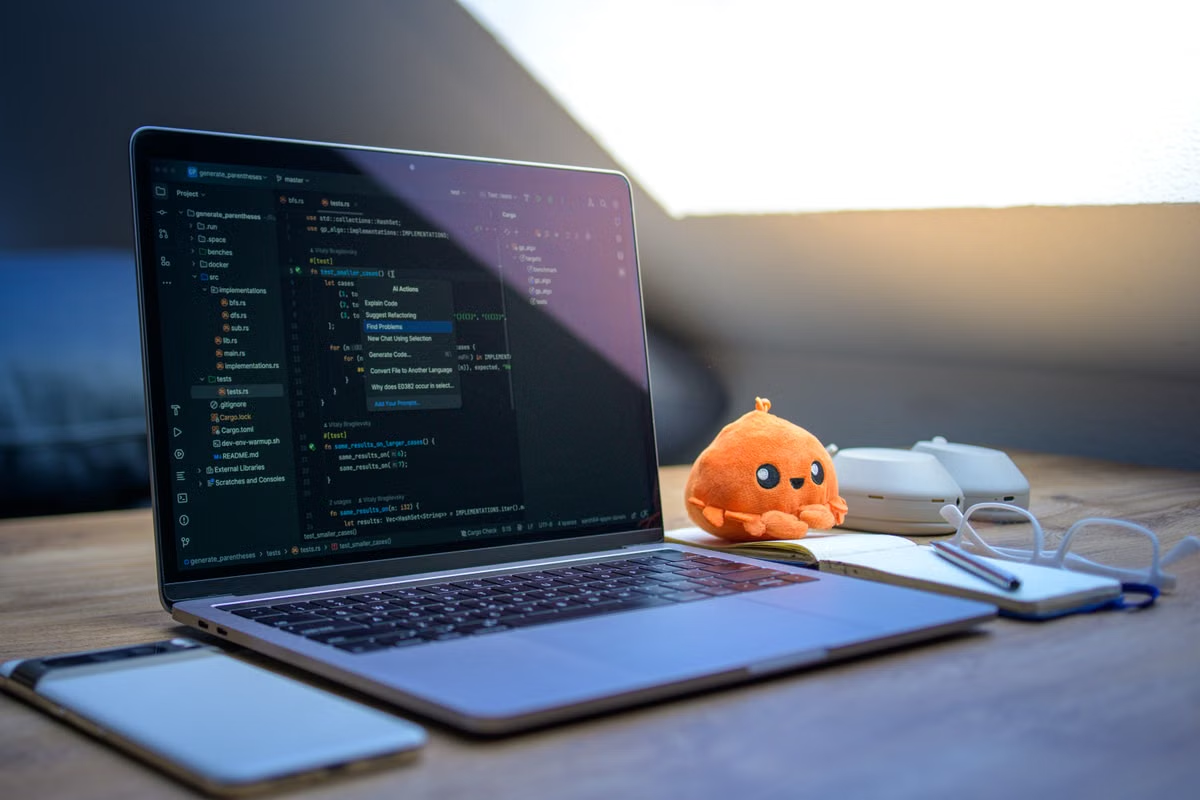
This guide is for developers who build Kotlin Multiplatform projects on Windows or Linux and need a reliable way to prepare an iOS release. It covers project checks, source synchronization, the first remote build, signing and release validation, and how to decide whether a remote Mac belongs in your ongoing workflow.

If a Mac or Linux installation of Unreal Engine 5.9 Preview is missing WebAssembly support files, check the official notice before changing your project. This guide separates an incomplete prebuilt installation from source-build, packaging, browser-runtime, and hosting problems, then gives you a repeatable acceptance process for a remote Mac.
This guide helps research package maintainers decide which macOS wheel targets to publish and how to build and validate them. Follow the release timeline from source and toolchain checks through artifact inspection, target-architecture testing, and choosing a suitable Mac environment.

If a Cloud Mac blocks an app, the alert matters: an unverified developer, an app macOS cannot check for malware, and a damaged app are not interchangeable problems. This guide walks you through source, integrity, permission, and trust checks, then gives you a safe decision path and troubleshooting steps.
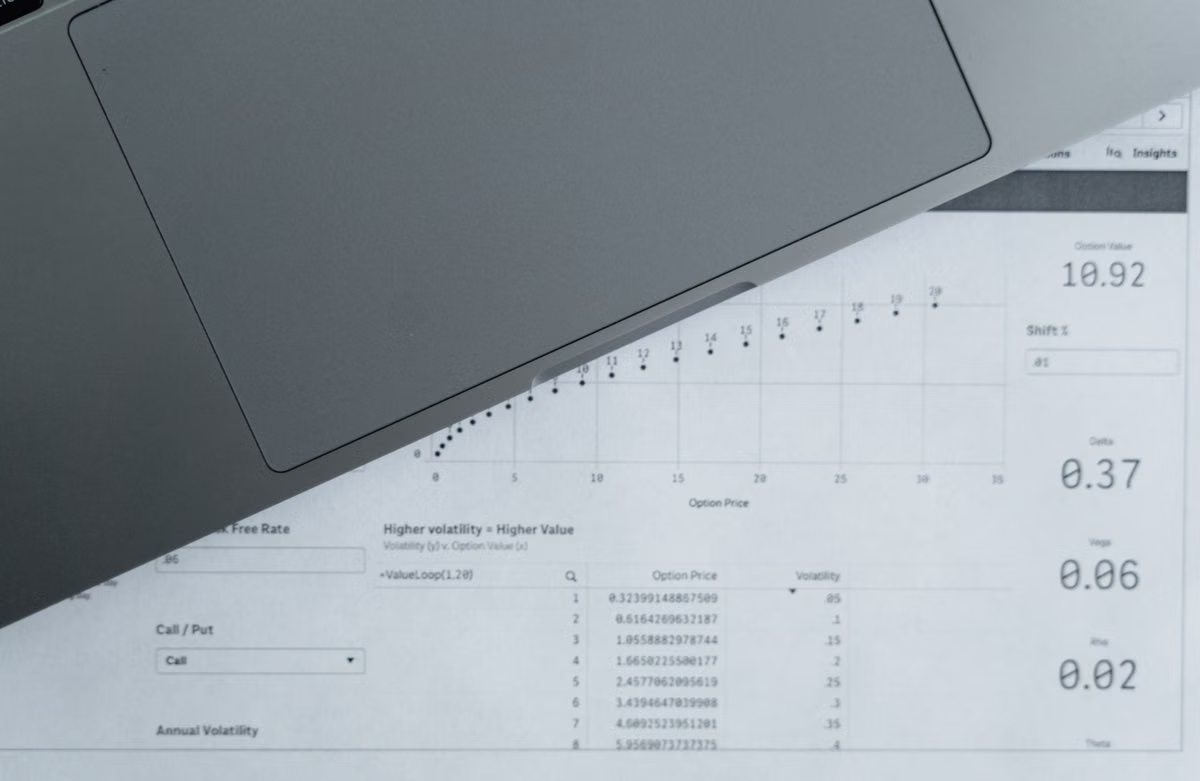
If a Shopify product CSV exported from Mac Numbers fails, work from a copy and match the error to encoding, quoting, headers, product rows, or image URLs. This guide gives you a symptom-based decision path, a safe retest process, and criteria for deciding whether a remote Mac is relevant.
This guide helps iOS learners find and interpret App storage information in Xcode Organizer. You’ll check your Xcode version, prepare a comparable project result, review the report, and decide what it can—and cannot—tell you about device storage.

Vellum’s book-formatting app does not run natively on Windows, but that alone does not mean you need to rent a Mac. Compare your publishing frequency, required output, remote-work conditions, and proofing process to choose between a temporary Mac environment, another workflow, or outsourced formatting.
This guide helps iOS developers identify whether a remote Mac failure comes from the command environment, dependency resolution, or Xcode integration. It compares the right recovery actions and gives you a repeatable way to verify the fix without casually changing Podfile.lock.

Generate isolated certificate fixtures and verify overlapping pins, retirement rules and rejection paths before changing server certificates.

Lock down rollout hashing with a runnable Swift script, then test snapshot consistency, account changes and emergency shutdown behavior.

Inject storage errors at the write boundary, assert that old data survives, and separate application recovery tests from filesystem guarantees.
New guides coming soon
Choose a test node or follow a guide to connect and run your first test.
New guides coming soon
Check the model and connection steps before scheduling your tests.
Scale out. Test in parallel.
Choose a dedicated physical Mac mini for your workload. Rent by the day; service stops when your term ends unless renewed.